

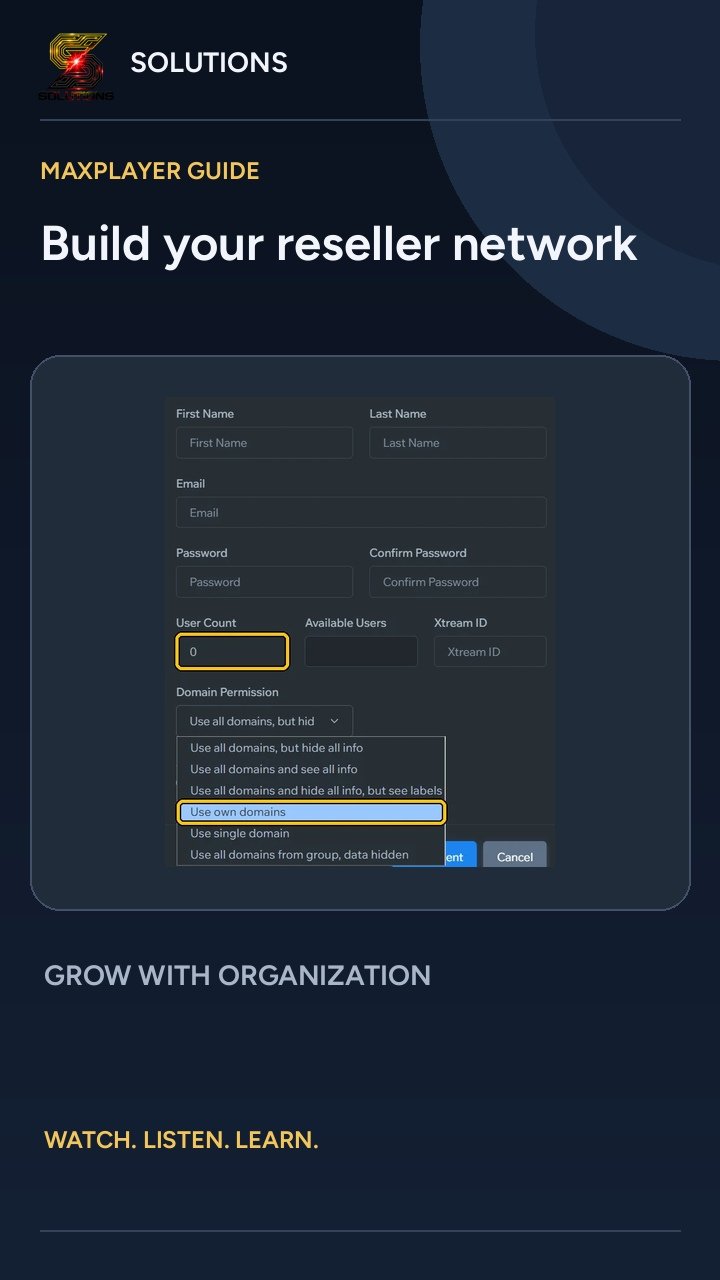
 ▶ Tap to watch: Create a reseller
https://parceria.tutoriaisdoapp.online/en/create-reseller/#video
In the menu, click Agents.
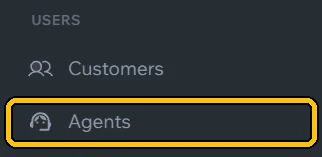
Click Add Agent.

Fill in the reseller's name, Email and Password.
In User Count, set how many customers they can activate. In Domain Permission, choose Use own domains: each reseller uses their own DNS.
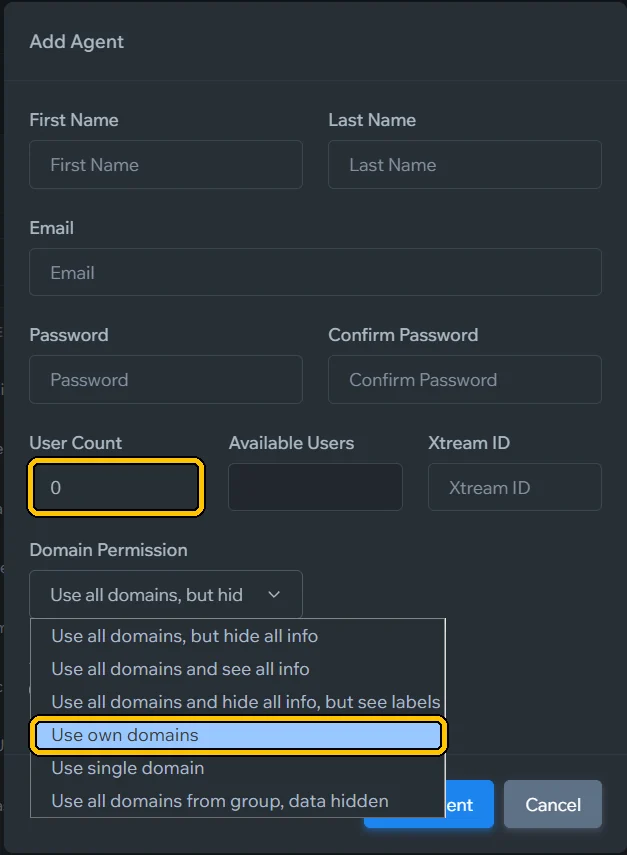
Want them to create resellers too? Turn on Admin. Then click Add Agent.
Send your new reseller the link to this page: they learn on their own to create the key, add DNS and create customers.